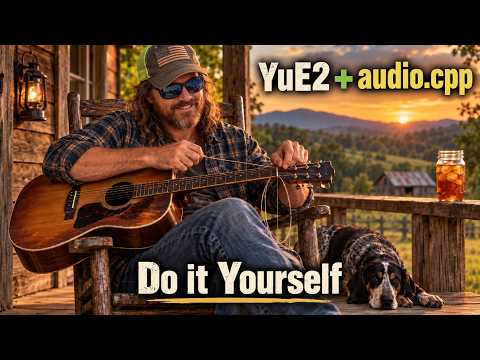
AI Music & Slopcore
Install YuE2 Manually and Build Your Own Local AI Music App
Follow Gary’s manual YuE2 installation and explore building a local AI music app.
Gary · The AI Hobby GuyExplore the projectA starting point for local AI music.

YuE2 is the starting point for this collection. Gary’s videos cover a standalone setup and a manual installation path. Watch the overview first to decide which approach fits your experience.
Keep the musical question small for your first experiment: one mood, one vocal idea, or one short section. Save the settings alongside the output so you can compare changes instead of starting over every time.
This collection begins with the published YuE2 guides and leaves room for Slopcore, synthetic performers, and whatever unexpected sound comes next.
Videos and commentary: The AI Hobby Guy. Original work and additional resources are credited in the linked YouTube descriptions.
Get the software running.
Follow Gary’s manual YuE2 installation and explore building a local AI music app.
Gary · The AI Hobby GuyExplore the projectMake something of your own.
A look at YuE2, its standalone app, and a setup demonstrated on 12GB VRAM. Check the guide for the full requirements.
Gary · The AI Hobby GuyExplore the project