AI Films & Video
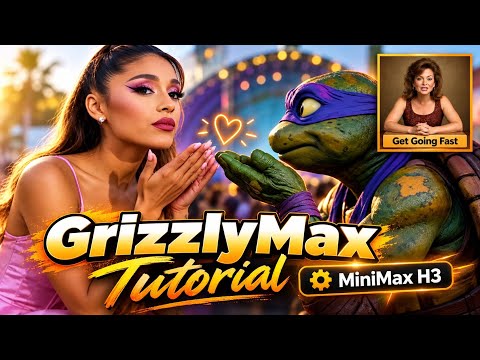
How to use GrizzlyMax (Minimax Studio) | Usage Tutorial
Gary walks through using GrizzlyMax (Minimax Studio). Connect the application’s controls to a video-making workflow.
Gary · The AI Hobby GuyExplore the projectExplore filmmaking with GrizzlyMax.
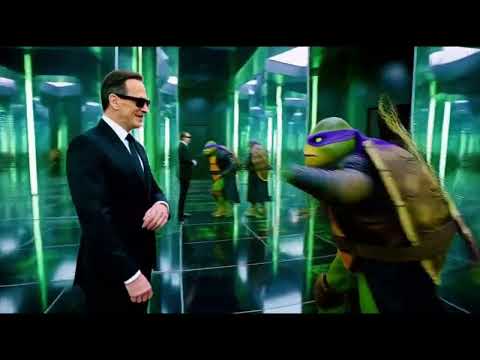
Start with the finished TMNT / Matrix-inspired experiment, or the reference-to-video examples with PlanetNigel. Seeing a result first gives the application walkthrough a purpose.
Then open the GrizzlyMax usage tutorial. Choose one shot to try before building a full sequence. For a longer piece, the MiniMax walkthrough adds another practical route into the process.
Keep notes about your references, prompts, and selected takes. Treat each generated clip as material to edit into a story, and credit collaborators and source material where appropriate.
Videos and commentary: The AI Hobby Guy. Original work and additional resources are credited in the linked YouTube descriptions.
Make something of your own.
Gary walks through using GrizzlyMax (Minimax Studio). Connect the application’s controls to a video-making workflow.
Gary · The AI Hobby GuyExplore the project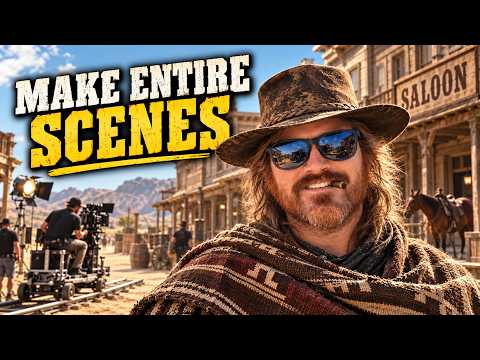
A step-by-step walkthrough for making a longer MiniMax video.
Gary · The AI Hobby GuyExplore the projectSee what people are creating.
A complete TMNT / Matrix-inspired movie made with GrizzlyMax. Watch the finished experiment before exploring the workflow.
Gary · The AI Hobby GuyExplore the project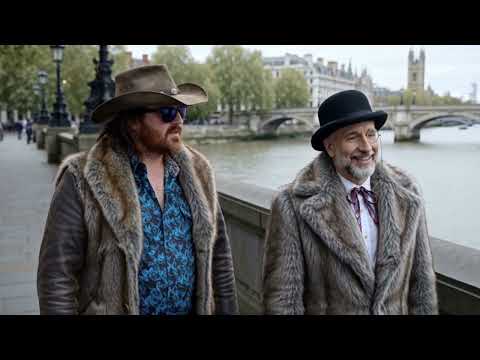
A cowboy’s trip to England with PlanetNigel, presented as GrizzlyMax reference-to-video examples.
Gary · With PlanetNigelExplore the project