Local AI
Create Custom AI Voices Without Paying for a Service! (Full Install Guide)
A full installation guide for creating custom AI voices locally. Follow the video for the exact software and setup.
Gary · The AI Hobby GuyExplore the projectSmall experiments. On your own machine.

This collection brings together Gary’s local-AI overviews and installation guides: custom voices, Bonsai 2, Pocket TTS, and access from another device.
Start with the job you want the software to do. Check the guide’s operating system, memory, and GPU requirements before downloading. Finish a small test successfully before adding another application.
The videos live here as a discovery and learning collection. For available products, installers, and support, continue to Get Going Fast. Its catalog stays there, so you have one place to check the current offering.
Videos and commentary: The AI Hobby Guy. Original work and additional resources are credited in the linked YouTube descriptions.
Get the software running.
A full installation guide for creating custom AI voices locally. Follow the video for the exact software and setup.
Gary · The AI Hobby GuyExplore the project
A Windows installation tutorial for Bonsai 2. Check the video’s requirements and resources before starting.
Gary · The AI Hobby GuyExplore the projectGet to know the possibilities.
Gary explores faster local applications and mobile access. Use this as a tour of possibilities before choosing a specific setup.
Gary · The AI Hobby GuyExplore the project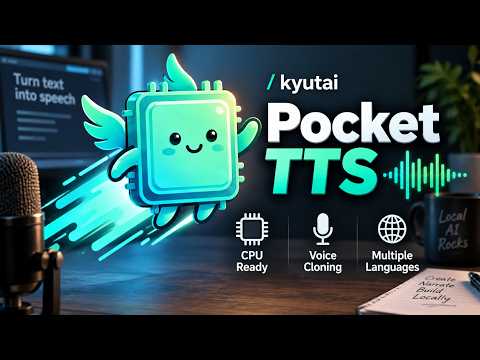
Gary explores Pocket TTS for local AI bots and CPU-based speech.
Gary · The AI Hobby GuyExplore the project